Piotr Sikora - Logo - Automatyzacja procesów | AI | JavaScript | Front End | Team Leader
  • Home
  • Services
    • Process Automation
    • AI for Lawyers
    • Holded Automation
  • Blog
  • Quotes
  • Contact
PL/EN

State Management: Prepare Environment Properly

  • Home
  • Blog
  • State Management: Prepare Environment Properly
State Management: Prepare Environment Properly

By Piotr Sikora

  • javascript

  • 2 min read

Table of Contents

  • Project structure

To start project we will need to create node project. I assume that you have installed Node.js on your machine.

If not you can do it easy with installator on https://nodejs.org/en/.

Now lets create a project. I assume that you are familiar with command line. Open command line and go to your directory in which you will create your project.

In your project directory please run command:

npm init -y

This command will initialise node.js project in your directory. Flag -y will omit prompt questions (this will help you to save few seconds).

To start project lets use Jest engine. (To get deeper knowledge of JEST https://jestjs.io/). In command line please run:

npm i jest

Now open your package.json file. Please change scripts section to "test": "jest". After saving your changes file should be simillar to this one:

{
  "name": "fedojo_com__state_management",
  "version": "1.0.0",
  "description": "",
  "main": "index.js",
  "scripts": {
    "test": "jest"
  },
  "keywords": [],
  "author": "",
  "license": "ISC",
  "devDependencies": {
    "jest": "^24.9.0"
  }
}

Now in command line when you will run command below:

npm run test

Jest will automatically run test in your project.

Project structure

Now lets create a project structure. In root folder please write:

mkdir src
cd src
touch state.js
mkdir _test_
cd _test_
touch state.test.js

This commands will create folder src then open it and create state.js file. After that we are creating _test_ foleder open it and create state.test.js file. Now open your favourite IDE and open state.test.js file. Inside this file lets write:

test("First test", () => {
  expect(true).toBe(true);
});

Now in command line lets run:

npm run test

In your command line you should see:

PASS  src/_test_/state.test.js
  ✓ First test (3ms)

Test Suites: 1 passed, 1 total
Tests:       1 passed, 1 total
Snapshots:   0 total
Time:        1.399s
Ran all test suites.

What we have done is simple check if true is equal true just to make sure that JEST is working fine.

VOILA!

Tags:

    #javascript

    #state-machine

    #state-machine-in-javascript

    #state-management

Comments

Categories

after-hours(1)AI(9)ai-en(1)angular(4)automatic-tests(1)Automation(2)cryptography(1)css(8)CyberSecurity(2)Development(7)DevOps(1)events(3)javascript(11)n8n(31)ollama(1)security(2)seo(1)

Recent Posts

Prompting workshop at IdeaLab in Kielce — participants working at a laptop

AI

Effective Prompting — a Workshop for Young People at IdeaLab in Kielce

OCR in n8n for Multiple Receipts and Invoices at Once — Saving to Google Sheets

n8n

OCR in n8n for Multiple Receipts and Invoices at Once — Saving to Google Sheets

Checking Variable Values in n8n: IF vs SWITCH

n8n

Checking Variable Values in n8n: IF vs SWITCH

Automate Your Gmail with n8n — AI-Generated Reply Drafts with an LLM

n8n

Automate Your Gmail with n8n — AI-Generated Reply Drafts with an LLM

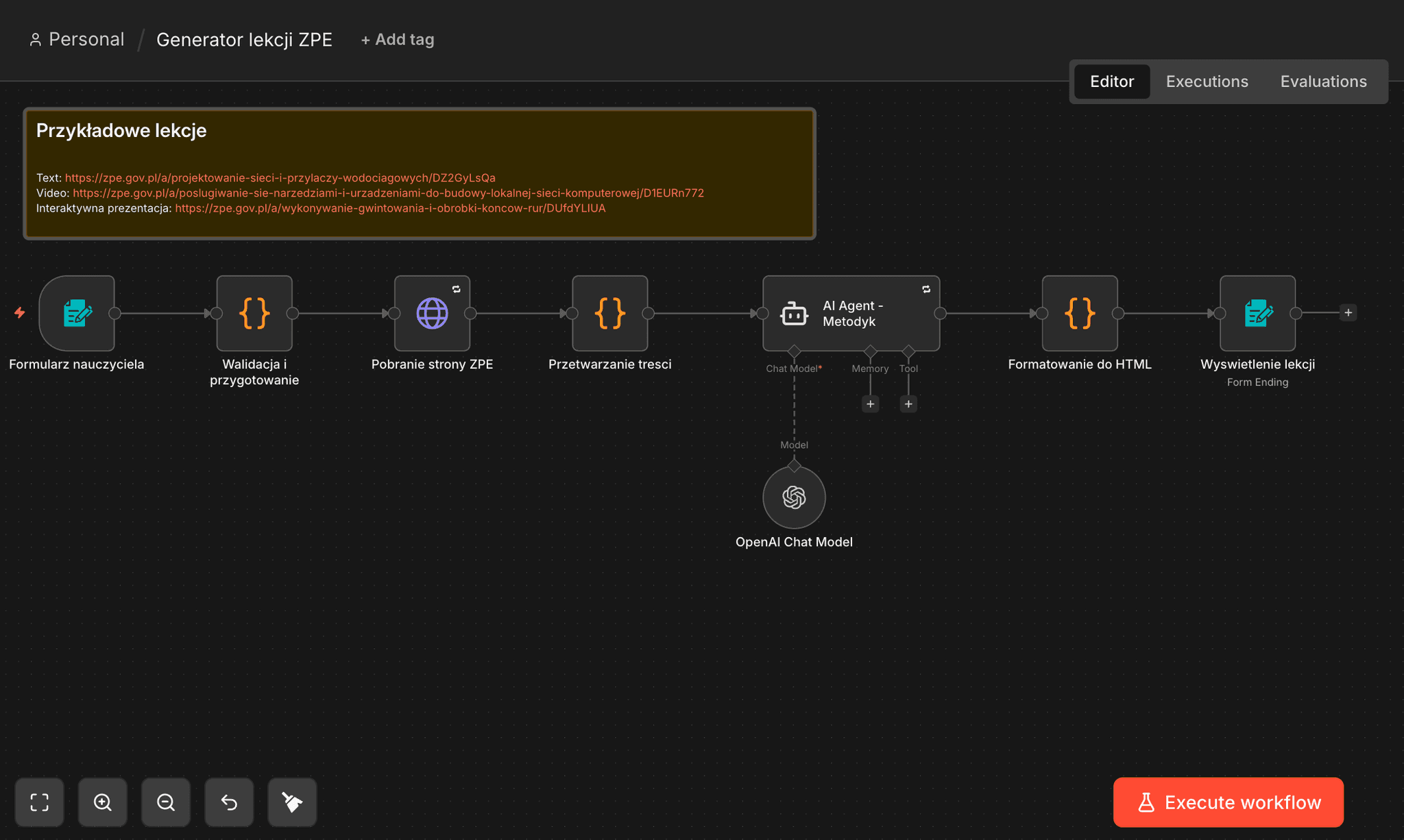
n8n: ZPE Lesson Generator — from URL to a Complete Lesson in 90 Seconds

n8n

n8n: ZPE Lesson Generator — from URL to a Complete Lesson in 90 Seconds

About Me

Piotr Sikora - Process Automation | AI | n8n | Python | JavaScript

Piotr Sikora

Process Automation Specialist

I implement automation that saves time and money, streamlines operations, and increases the predictability of results. Specializing in process automation, AI implementation, and workflow optimization using n8n, Python, and JavaScript.

n8n Workflows

n8n workflow automation templates

Explore my workflow templates on n8n. Ready-to-use automations for blog management, data collection, and AI-powered content processing.

3Workflow Templates
View Templates

• Auto-Categorize Blog Posts with AI

• Collect LinkedIn Profiles

• Export WordPress Posts for SEO

Tags

activepiecesafter-hoursahrefsaiai agentsai automationAI cost reductionai in educationai securityangularanonymizationantigravityapiAqua Securityarcade-gamesarchitectureautomationbackendbest-practicesbielik
“If you don't believe that all employees can contribute to the company's success, all the technology in the world won't help increase their competencies.”
Elon Musk
View more quotes

Similar Articles

Discover more related content

State Machine Game: Build Your Own Redux-Like Engine

State Machine Game: Build Your Own Redux-Like Engine

Learn how to build your own Redux-like state machine engine in JavaScript from scratch, implementing getState, dispatch, and subscribe methods step by step.

Angular Side Effects with @Effect & NgRx CRUD

Angular Side Effects with @Effect & NgRx CRUD

Essential CRUD Snippets. Angular is giving great tools to build application and NgRx gives you opportunity to manage you app with state.

Unleash the Power of Autoexecuted Objects in JavaScript

Unleash the Power of Autoexecuted Objects in JavaScript

Sometimes you will need to create autoexecuted object (for example in case of load/document ready events)

31 January 2014
Piotr Sikora | ai | n8n | javascript | python

Let's get to know each other!

Get in touch with me
Piotr Sikora | Process Automation  | AI Implementation 🤖 | Technology Consulting
Quick links
  • Home
  • Blog
  • Contact
Contact
  • piotr.sikora.ck@gmail.com
  • +48 505 684 661

© Piotr Sikora 2026 | All Rights Reserved