
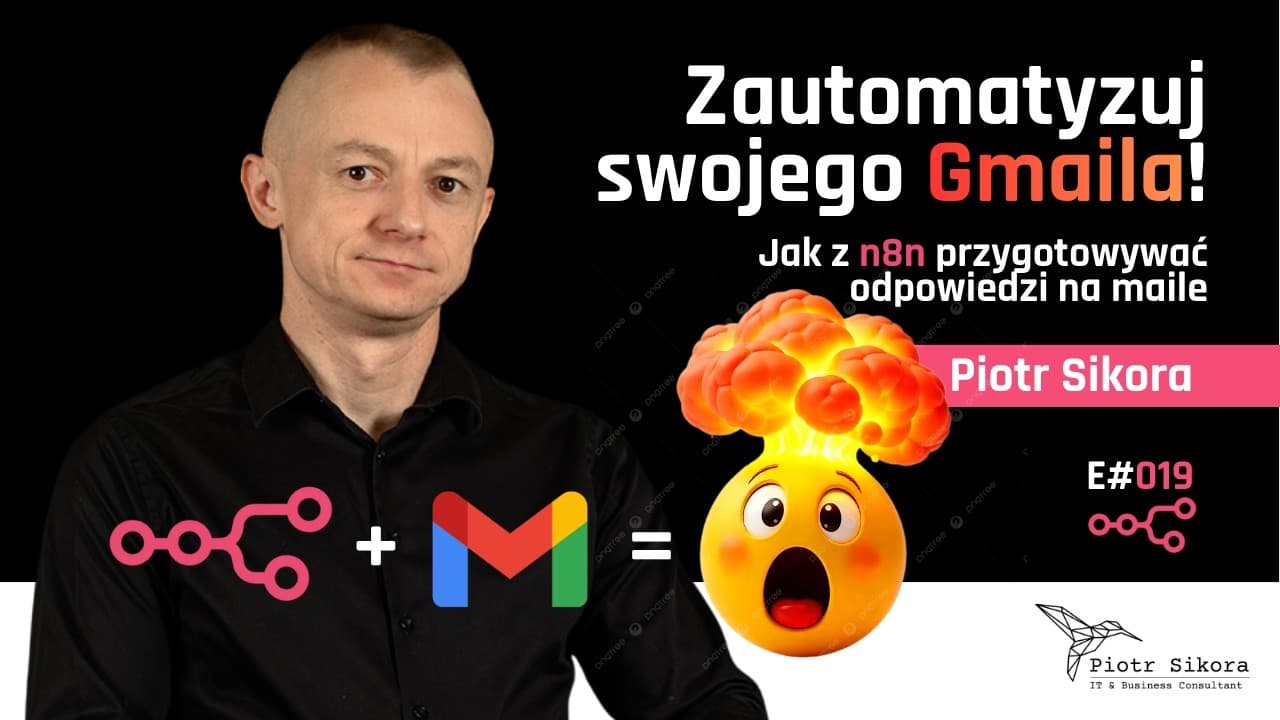
Replying to repetitive email can eat half a day. In this episode I build, step by step, an n8n workflow that does it for you — while you stay in control, because the AI only prepares a draft and you do the sending.
How the workflow works
- A Gmail trigger fetches new messages from your inbox.
- An AI Agent analyzes the email content and conversation context.
- The LLM generates a reply proposal in your style.
- The reply lands as a Gmail draft — ready to review and send.
What you will learn
- How to configure the Gmail trigger and OAuth credentials in n8n.
- How to pass the email content to an AI Agent and steer the reply style with a prompt.
- How to save generated replies as drafts instead of sending them automatically.
This approach is a safe first step in automating communication: you save time, but a human stays in the loop.
Watch the episode
The video is available on YouTube: youtube.com/watch?v=b7QzUvPE4n8.
All episodes are collected on the Automation Academy page (in Polish). Subscribe to my YouTube channel so you do not miss new material.
The video is in Polish; this post summarizes what it covers.


![Automating Receipt OCR into Google Sheets with AI [E015]](/_next/image?url=%2Fassets%2Fblog-images%2Fyt-videos%2FhQL3Ox8J1cY.jpg&w=828&q=75)

Comments