
![Automating Receipt OCR into Google Sheets with AI [E015]](/_next/image?url=%2Fassets%2Fblog-images%2Fyt-videos%2FhQL3Ox8J1cY.jpg&w=2048&q=75)
Typing receipts and invoices into a spreadsheet is classic boring manual work. In this episode I build a workflow from scratch that does it automatically: you send a photo of a document and the data lands in Google Sheets.
How the workflow works
- A chat node accepts a message with an attached photo of a receipt or invoice.
- A vision-capable AI model recognizes amounts, dates, the vendor and line items in the photo.
- The structured data is written as a new row in Google Sheets.
What you will learn
- How to handle file uploads in the chat node.
- How to prompt the model so it returns data in a predictable structure.
- How to map the AI response to Google Sheets columns.
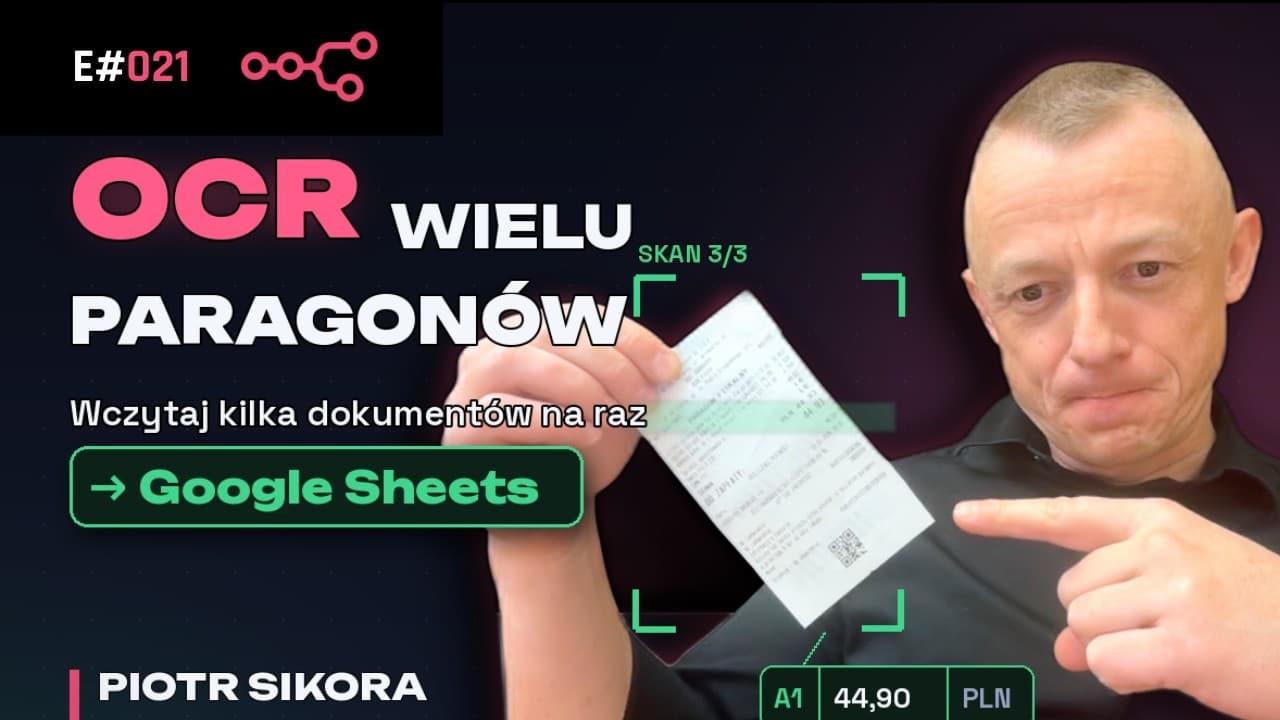
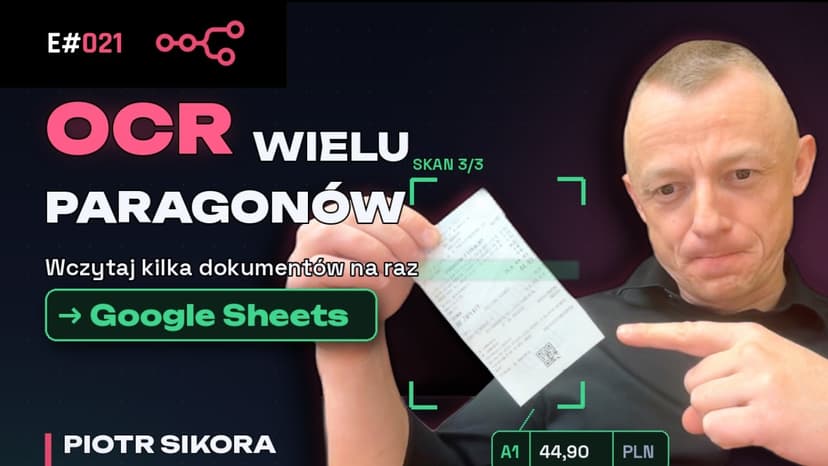
In a later episode I extend this workflow to process multiple documents at once.
Watch the episode
The video is available on YouTube: youtube.com/watch?v=hQL3Ox8J1cY.
All episodes are collected on the Automation Academy page (in Polish). Subscribe to my YouTube channel so you do not miss new material.
The video is in Polish; this post summarizes what it covers.



Comments