Piotr Sikora - Logo - Automatyzacja procesów | AI | JavaScript | Front End | Team Leader
  • Home
  • Services
    • Process Automation
    • AI for Lawyers
  • Blog
  • Quotes
  • Contact
PL/EN

How to Use the Merge Node in n8n Effectively — a Practical Guide

  • Home
  • Blog
  • How to Use the Merge Node in n8n Effectively — a Practical Guide
How to Use the Merge Node in n8n Effectively — a Practical Guide

By Piotr Sikora

  • n8n

  • 23 May 2026

  • 1 min read

Table of Contents

  • What you will learn
  • Why it matters
  • Watch the episode

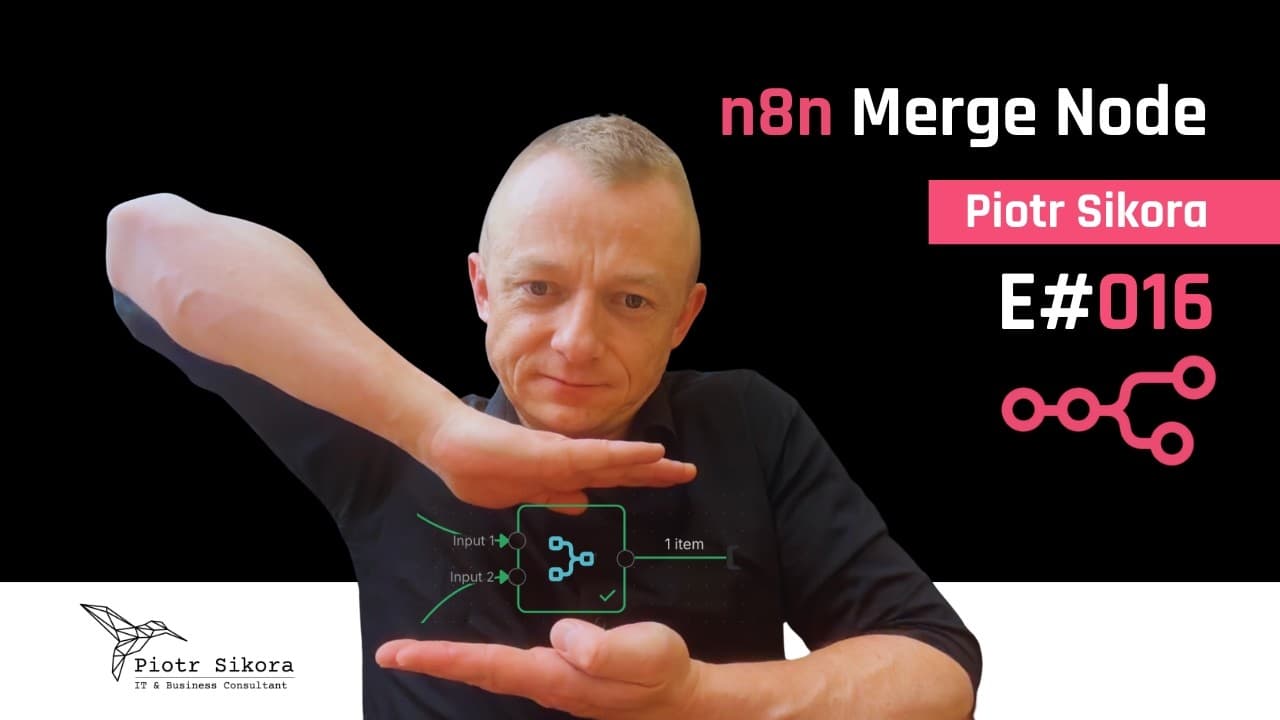
The Merge Node is one of the key building blocks of non-trivial n8n workflows — and one of the most commonly misunderstood. In this episode I take it apart with practical examples.

What you will learn

  • How to join different workflow branches at a single point.
  • The differences between the Append, Combine and Choose Branch modes and when to use each.
  • How Merge pairs up items coming from its two inputs.
  • How to handle data conflicts (clash) when both inputs carry fields with the same names.

Why it matters

Without understanding the Merge Node it is hard to build workflows that branch out and come back together — and that is standard in any larger automation: enriching data from two sources, combining results of parallel API calls, or merging data after conditional routing.

Watch the episode

The video is available on YouTube: youtube.com/watch?v=DL6Nccl_8wc.

All episodes are collected on the Automation Academy page (in Polish). Subscribe to my YouTube channel so you do not miss new material.

The video is in Polish; this post summarizes what it covers.
Tags:

    #n8n

    #youtube

    #n8n best practices

    #n8n merge node

    #workflow automation

Comments

Categories

after-hours(1)AI(7)ai-en(1)angular(4)automatic-tests(1)Automation(2)cryptography(1)css(8)CyberSecurity(2)Development(7)DevOps(1)events(3)javascript(11)n8n(31)ollama(1)security(2)seo(1)

Recent Posts

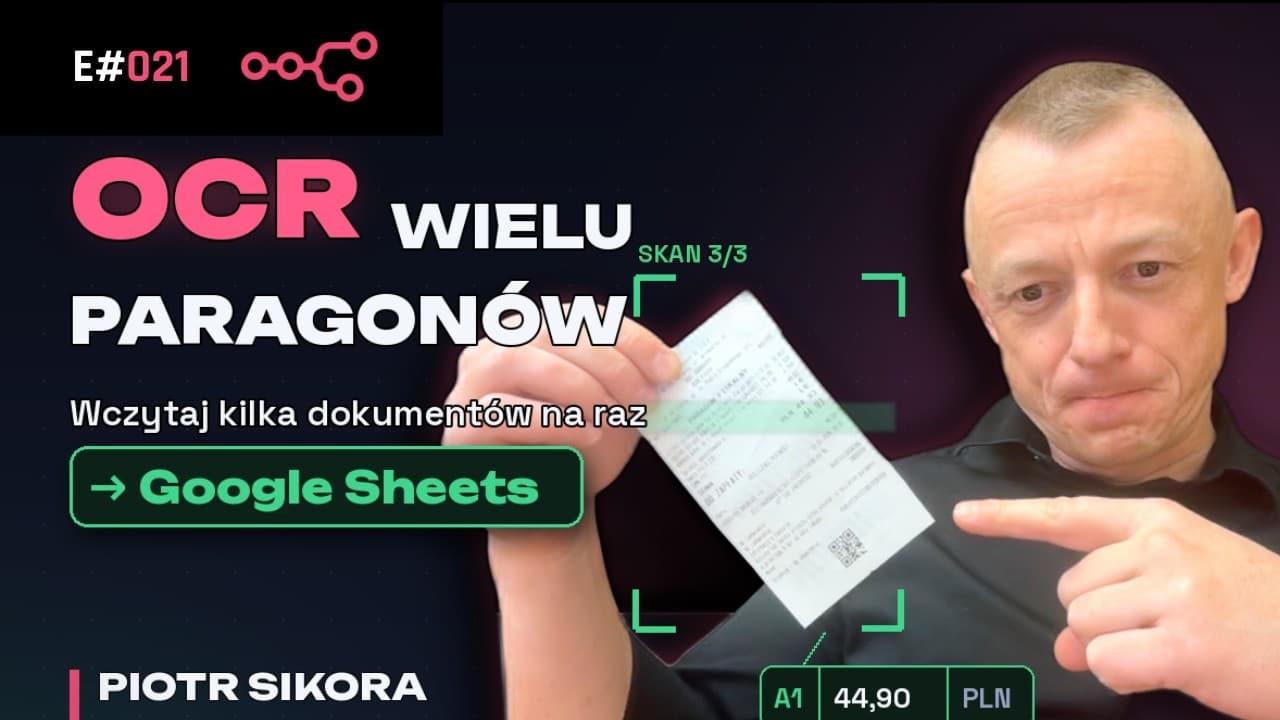
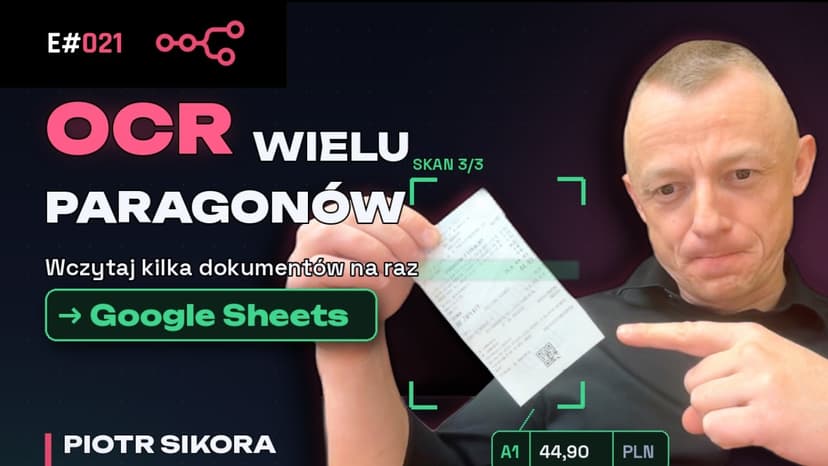
OCR in n8n for Multiple Receipts and Invoices at Once — Saving to Google Sheets

n8n

OCR in n8n for Multiple Receipts and Invoices at Once — Saving to Google Sheets

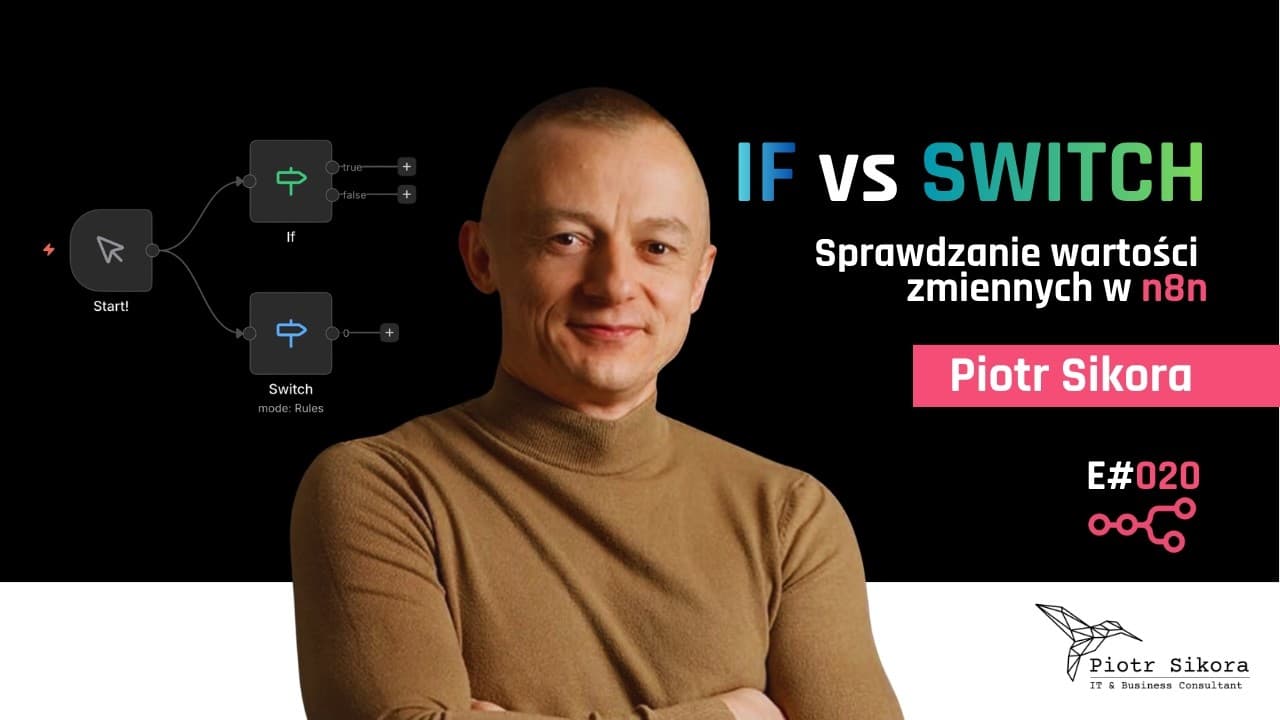
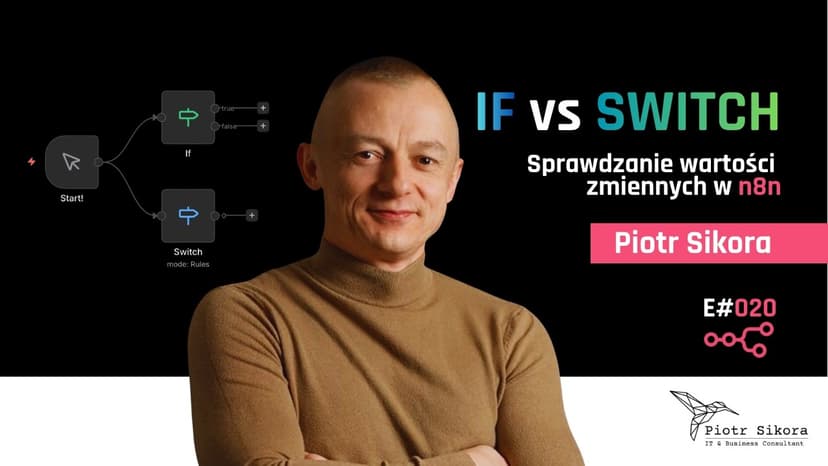
Checking Variable Values in n8n: IF vs SWITCH

n8n

Checking Variable Values in n8n: IF vs SWITCH

Automate Your Gmail with n8n — AI-Generated Reply Drafts with an LLM

n8n

Automate Your Gmail with n8n — AI-Generated Reply Drafts with an LLM

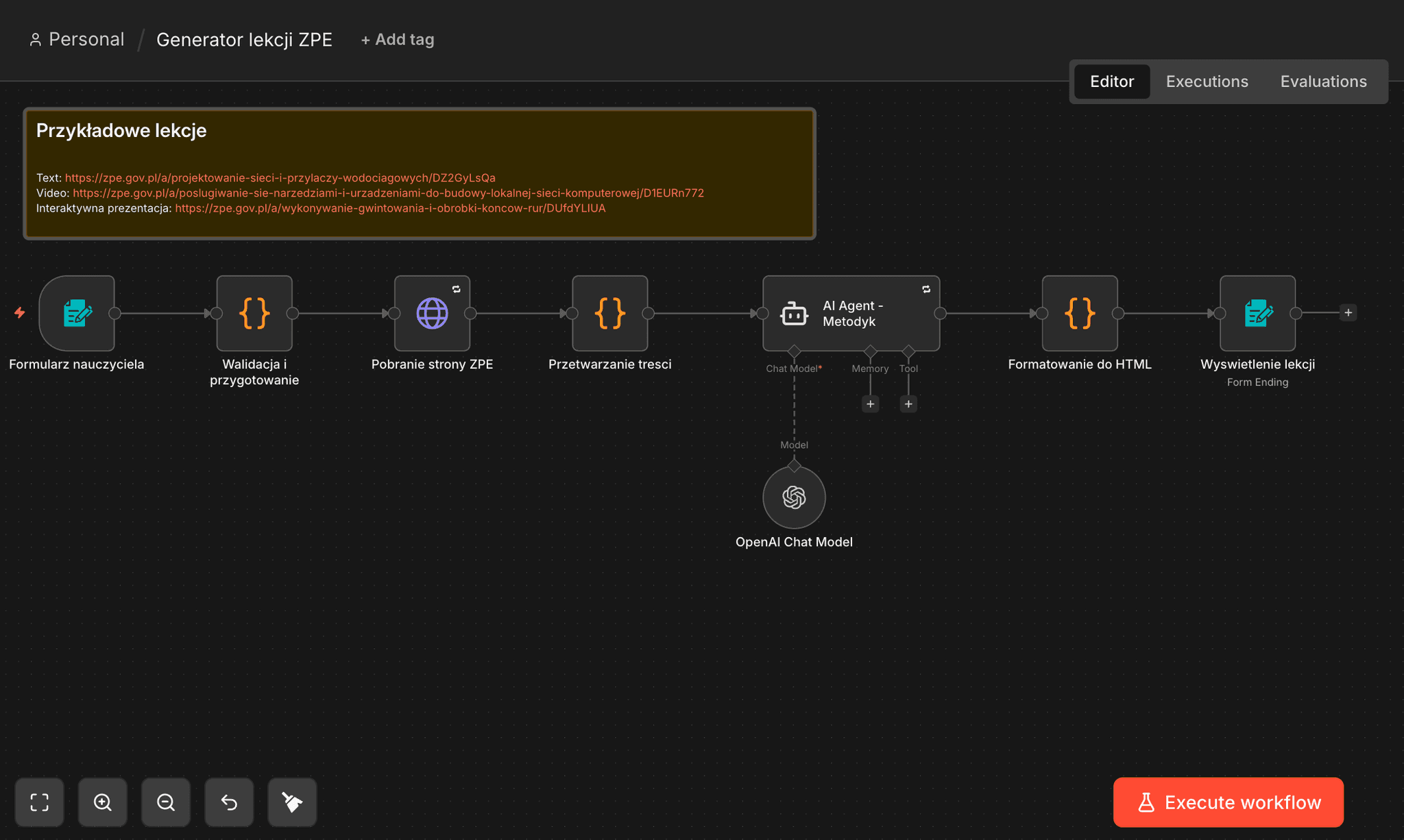
n8n: ZPE Lesson Generator — from URL to a Complete Lesson in 90 Seconds

n8n

n8n: ZPE Lesson Generator — from URL to a Complete Lesson in 90 Seconds

How to Automate LinkedIn Profile Search with n8n

n8n

How to Automate LinkedIn Profile Search with n8n

About Me

Piotr Sikora - Process Automation | AI | n8n | Python | JavaScript

Piotr Sikora

Process Automation Specialist

I implement automation that saves time and money, streamlines operations, and increases the predictability of results. Specializing in process automation, AI implementation, and workflow optimization using n8n, Python, and JavaScript.

n8n Workflows

n8n workflow automation templates

Explore my workflow templates on n8n. Ready-to-use automations for blog management, data collection, and AI-powered content processing.

3Workflow Templates
View Templates

• Auto-Categorize Blog Posts with AI

• Collect LinkedIn Profiles

• Export WordPress Posts for SEO

Tags

activepiecesafter-hoursahrefsaiai agentsai automationAI cost reductionai in educationai securityangularanonymizationantigravityapiAqua Securityarcade-gamesarchitectureautomationbackendbest-practicesbielik
“It's better to live one year as a tiger than 20 years as a turtle”
Nikodem Stokarczyk
View more quotes

Similar Articles

Discover more related content

How to Use Sub-workflows in n8n [E012]

How to Use Sub-workflows in n8n [E012]

Splitting a large n8n workflow into smaller reusable sub-workflows: passing data between workflows and building an architecture that is easy to maintain.

24 April 2026
OCR in n8n for Multiple Receipts and Invoices at Once — Saving to Google Sheets

OCR in n8n for Multiple Receipts and Invoices at Once — Saving to Google Sheets

Extending an n8n OCR workflow to process many receipts or invoices in one run: adjusting the AI agent prompt, handling an array of objects and saving multiple rows to Google Sheets automatically.

23 July 2026
Checking Variable Values in n8n: IF vs SWITCH

Checking Variable Values in n8n: IF vs SWITCH

How to check variable values in an n8n workflow with the IF and Switch nodes — when a simple condition is enough and when complex logic reads better as a Switch.

10 July 2026
Piotr Sikora | ai | n8n | javascript | python

Let's get to know each other!

Get in touch with me
Piotr Sikora | Process Automation  | AI Implementation 🤖 | Technology Consulting
Quick links
  • Home
  • Blog
  • Contact
Contact
  • piotr.sikora.ck@gmail.com
  • +48 505 684 661

© Piotr Sikora 2026 | All Rights Reserved