
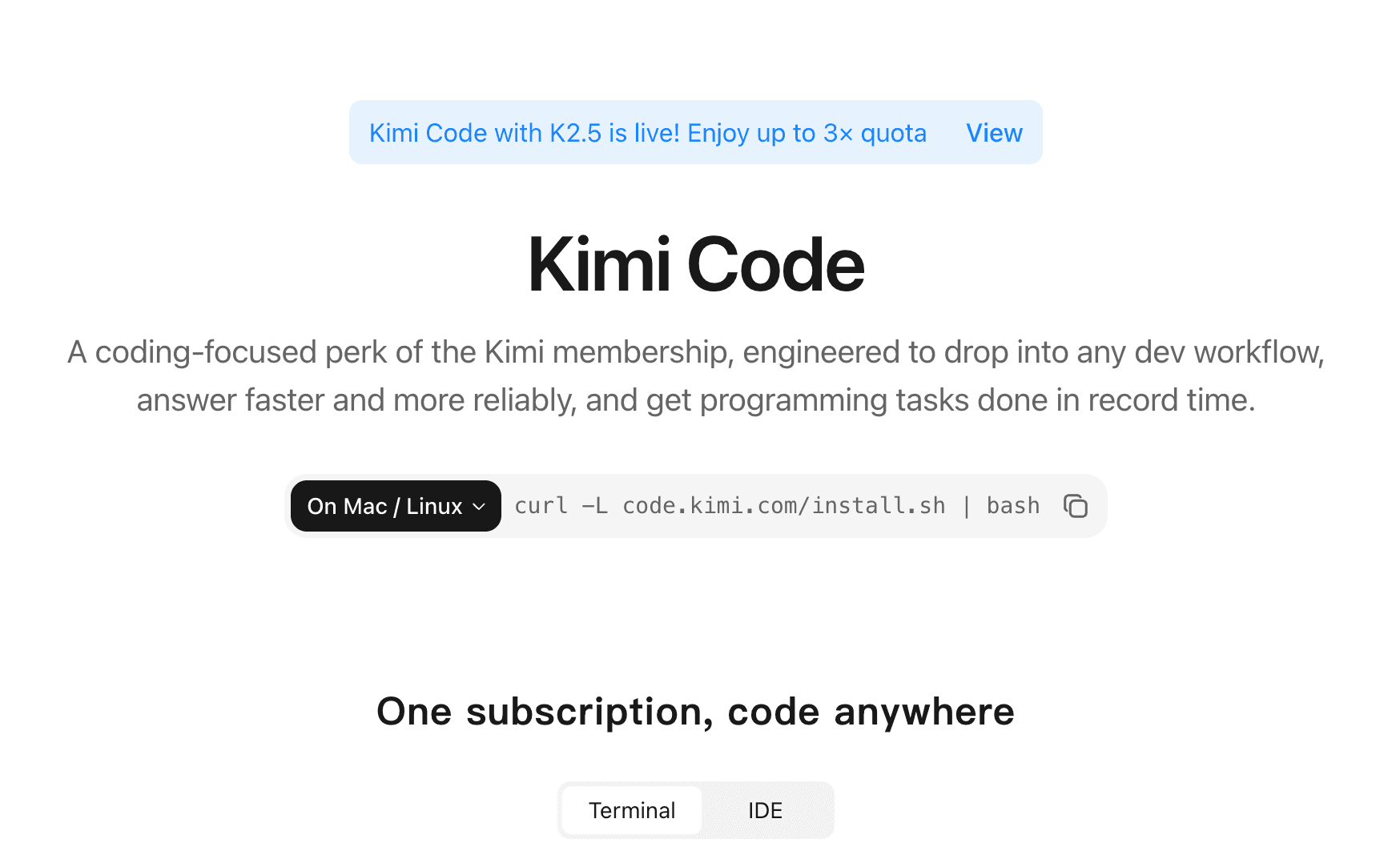
Testing Kimi Code: First Impressions from Web and CLI
Yesterday I started working with Kimi Code, and I'm currently in the testing phase. It's still early, but the first impressions are strong enough to share.
From a workflow perspective, it feels very similar to Claude Code - focused on developers, practical in usage, and designed to fit directly into real coding environments rather than just being a chat interface.
Why I Decided to Try It
The biggest trigger?
The first-month price.
The standard price is $19.00 - but I managed to grab the first month for:
$1.49
And yes - you can literally negotiate with the bot.
Kimi runs a small interactive "bargaining" flow where you talk to the bot and try to lower the price.
You can start it here:
https://www.kimi.com/kimiplus/sale?activity_enter_method=h5_share&invitation_code=T3F9MV
It takes just a minute and the bot adjusts the offer dynamically based on the conversation.
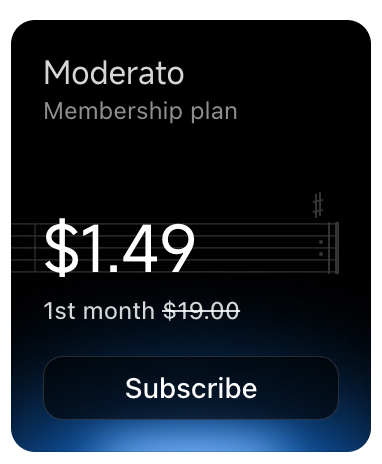
At that price, it was an easy decision to test it seriously in real-world scenarios. Low risk, high curiosity.
Testing the Web Version
The Web console gives a clean dashboard-style overview of:
- Weekly usage
- Rate limits
- Model access (K2.5)
- API key management
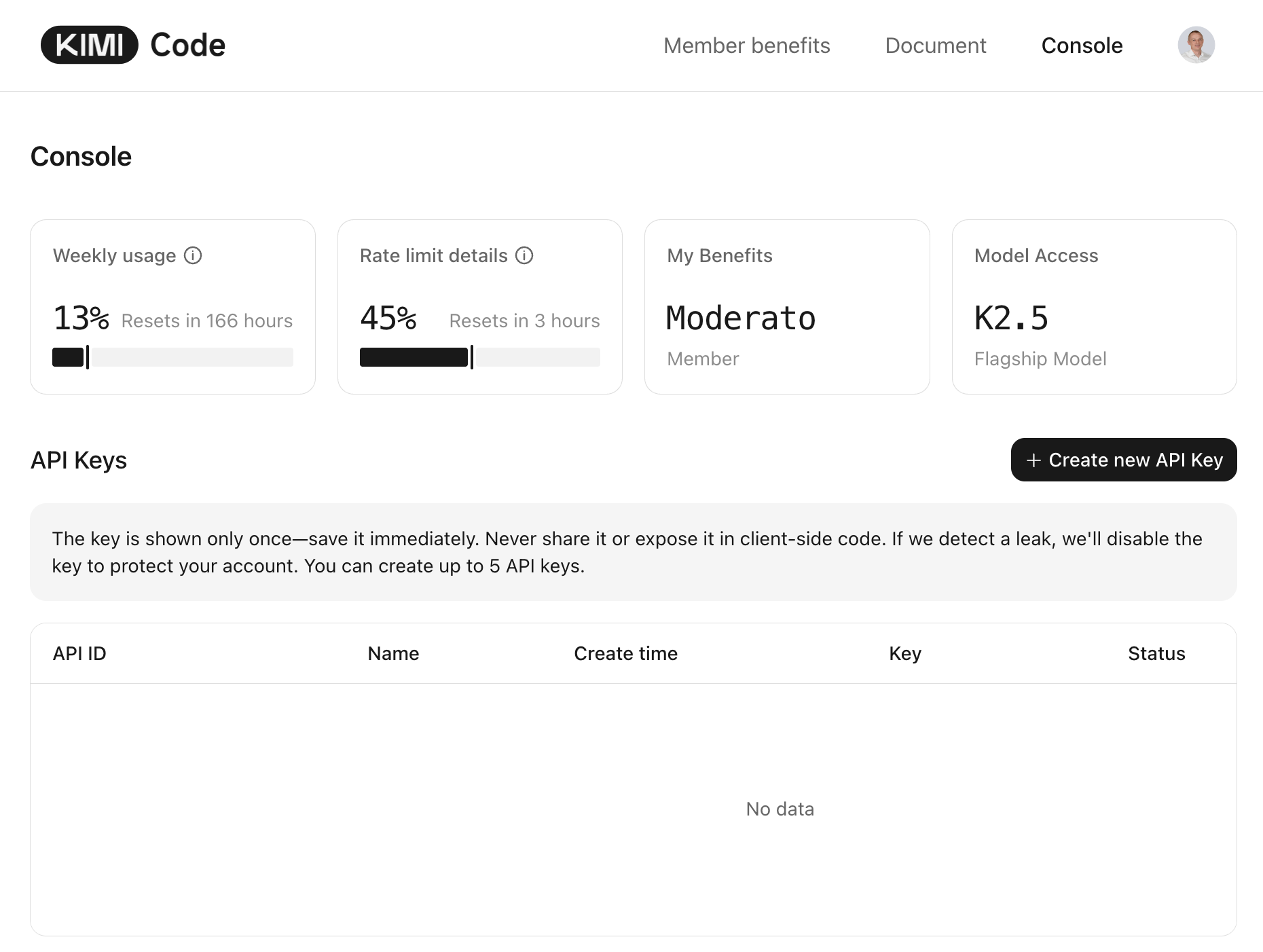
What I like so far:
- Clear visibility into consumption
- Simple UI without unnecessary complexity
- Feels built for developers, not marketers
It's straightforward and functional - exactly what you want from a tool that complements your coding workflow.
Testing the CLI Version
This is where it gets interesting.
The CLI integrates directly into your working directory and project context. Instead of switching tabs constantly, you stay inside your development flow.
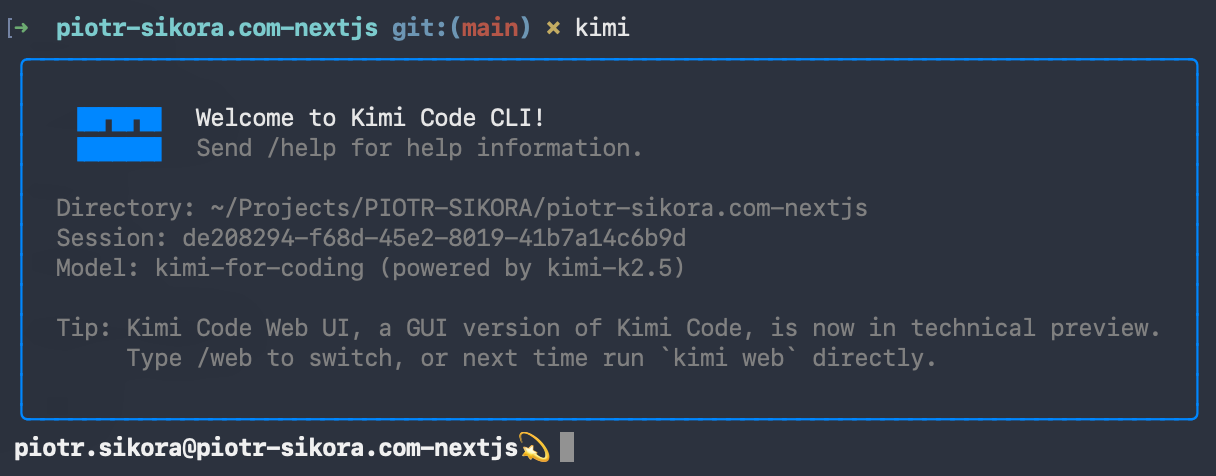
It reminds me a lot of Claude Code's workflow:
- Context-aware responses
- Terminal-first experience
- Minimal friction
For developers who live in the terminal, this matters more than fancy UI.
Early Observations
Still early days, but here's what stands out:
- Responses are coding-focused
- CLI feels natural inside a project
- Web console gives good visibility into limits
- Setup was simple
- No unnecessary complexity
I'm not making final judgments yet - this is still testing phase. The real evaluation will come after deeper usage in production-like tasks.
What I'm Looking For Next
Over the next days I want to evaluate:
- How well it handles larger refactors
- Context retention across sessions
- Performance on real-world debugging
- How it compares directly to Claude Code in complex scenarios
Because initial impressions are one thing - long-term reliability is what really matters.
Conclusion
So far, Kimi Code feels promising.
The $1.49 first month made it a no-brainer to experiment, and both the Web and CLI versions show strong potential.
I'll share more detailed thoughts after deeper testing - especially once I push it through real project pressure.
If you're experimenting with AI coding assistants, this one is definitely worth a look.










Comments