Piotr Sikora - Logo - Automatyzacja procesów | AI | JavaScript | Front End | Team Leader
  • Home
  • Services
    • Process Automation
    • AI for Lawyers
  • Blog
  • Quotes
  • Contact
PL/EN

API vs Webhook: Understanding the Difference

  • Home
  • Blog
  • API vs Webhook: Understanding the Difference
API vs Webhook: Understanding the Difference

By Piotr Sikora

  • Development

  • 24 January 2026

  • 2 min read

Table of Contents

  • API: You Ask, I Answer
  • Webhook: I'll Call You
  • When to Use Each
  • A Practical Example
  • Conclusion

API vs Webhook: Understanding the Difference

APIs and webhooks are both mechanisms for applications to communicate, but they work in fundamentally opposite directions.

API: You Ask, I Answer

An API (Application Programming Interface) follows a pull-based model. Your application makes a request to a server whenever it needs data. Think of it as calling a restaurant to ask if your table is ready—you initiate the conversation each time you want information.

Client → Request → Server
Client ← Response ← Server

This approach gives you control over when data is fetched, but it has a drawback: if you need real-time updates, you must repeatedly poll the server, which wastes resources when nothing has changed.

Webhook: I'll Call You

A webhook flips this model. It's a push-based mechanism where the server automatically sends data to your application when an event occurs. Instead of calling the restaurant, you give them your number and they text you when your table is ready.

Event occurs → Server → POST request → Your endpoint

Webhooks are more efficient for event-driven scenarios because data flows only when something actually happens.

When to Use Each

Use an API when:

  • You need data on demand
  • You want to query, filter, or manipulate resources
  • The timing of requests is controlled by your application

Use a webhook when:

  • You need real-time notifications (payment completed, new message, deployment finished)
  • You want to avoid constant polling
  • You're reacting to external events

A Practical Example

Consider a payment system. With an API approach, you'd repeatedly call GET /payment/123/status until it returns "completed." With a webhook, you register your endpoint once, and the payment provider sends a POST to https://yourapp.com/webhook/payment the moment the transaction succeeds.

Conclusion

In practice, most modern integrations use both: webhooks for real-time event notifications, and APIs for fetching additional details or performing actions in response. Understanding when to pull versus when to be pushed to is key to building efficient, responsive systems.

Tags:

    #api

    #webhook

    #integration

    #backend

    #automation

    #architecture

Comments

Categories

after-hours(1)AI(9)ai-en(1)angular(4)automatic-tests(1)Automation(2)cryptography(1)css(8)CyberSecurity(2)Development(7)DevOps(1)events(3)javascript(11)n8n(31)ollama(1)security(2)seo(1)

Recent Posts

Prompting workshop at IdeaLab in Kielce — participants working at a laptop

AI

Effective Prompting — a Workshop for Young People at IdeaLab in Kielce

OCR in n8n for Multiple Receipts and Invoices at Once — Saving to Google Sheets

n8n

OCR in n8n for Multiple Receipts and Invoices at Once — Saving to Google Sheets

Checking Variable Values in n8n: IF vs SWITCH

n8n

Checking Variable Values in n8n: IF vs SWITCH

Automate Your Gmail with n8n — AI-Generated Reply Drafts with an LLM

n8n

Automate Your Gmail with n8n — AI-Generated Reply Drafts with an LLM

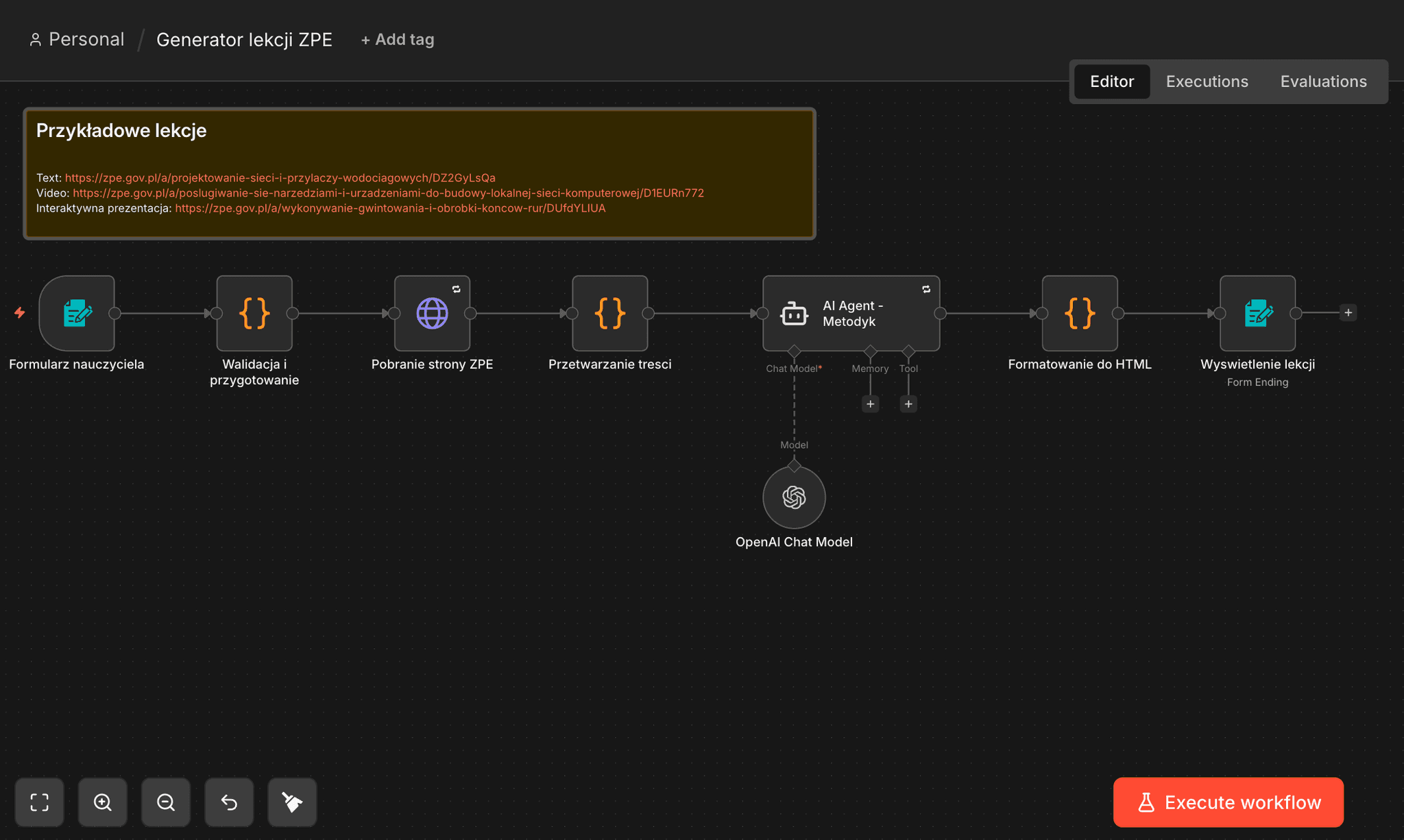
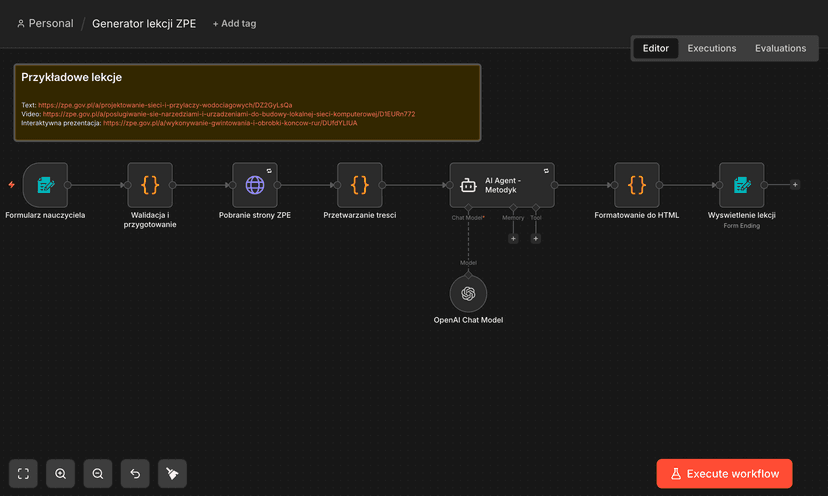
n8n: ZPE Lesson Generator — from URL to a Complete Lesson in 90 Seconds

n8n

n8n: ZPE Lesson Generator — from URL to a Complete Lesson in 90 Seconds

About Me

Piotr Sikora - Process Automation | AI | n8n | Python | JavaScript

Piotr Sikora

Process Automation Specialist

I implement automation that saves time and money, streamlines operations, and increases the predictability of results. Specializing in process automation, AI implementation, and workflow optimization using n8n, Python, and JavaScript.

n8n Workflows

n8n workflow automation templates

Explore my workflow templates on n8n. Ready-to-use automations for blog management, data collection, and AI-powered content processing.

3Workflow Templates
View Templates

• Auto-Categorize Blog Posts with AI

• Collect LinkedIn Profiles

• Export WordPress Posts for SEO

Tags

activepiecesafter-hoursahrefsaiai agentsai automationAI cost reductionai in educationai securityangularanonymizationantigravityapiAqua Securityarcade-gamesarchitectureautomationbackendbest-practicesbielik
“Rule number one: never lose money. Rule number two: never forget rule number one.”
Warren Buffett
View more quotes

Similar Articles

Discover more related content

Why You Shouldn't Cram Multiple Webhooks Into One n8n Workflow

Why You Shouldn't Cram Multiple Webhooks Into One n8n Workflow

Discover why cramming multiple webhooks into one n8n workflow backfires, and how splitting them into separate workflows saves you real debugging headaches.

28 January 2026
DRY, WET, AHA: Finding the Right Balance in Code Reuse

DRY, WET, AHA: Finding the Right Balance in Code Reuse

Explore the DRY, WET, and AHA principles for code reuse and learn when duplication actually helps rather than hurts the maintainability of your codebase.

28 January 2026
n8n: ZPE Lesson Generator — from URL to a Complete Lesson in 90 Seconds

n8n: ZPE Lesson Generator — from URL to a Complete Lesson in 90 Seconds

An n8n workflow that turns an e-material from Poland's Integrated Education Platform (ZPE) into a complete teaching package: lesson plan, worksheet, quiz and practical exercises.

12 June 2026
Piotr Sikora | ai | n8n | javascript | python

Let's get to know each other!

Get in touch with me
Piotr Sikora | Process Automation  | AI Implementation 🤖 | Technology Consulting
Quick links
  • Home
  • Blog
  • Contact
Contact
  • piotr.sikora.ck@gmail.com
  • +48 505 684 661

© Piotr Sikora 2026 | All Rights Reserved