

Do you want to set HTTP security headers in WordPress? X-Content-Type-Options, X-XSS-Protection, X-Frame-Options, Referrer-Policy, Permissions-Policy, Strict-Transport-Security
After last workshop about security I wanted to check how to use the knowledge in live project.
To check how it works I've tried to use two scenarios:
-
https://developer.wordpress.com/docs/tutorials/add-http-headers/ - to change HTTP Headers using custom-redirects.php file
-
https://docs.wpvip.com/infrastructure/http-headers/ - to change HTTP Headers using functions.php file
None of them worked on my side...
But finally I've found a plugin: https://wordpress.org/plugins/http-headers/
How to check HTTP Headers
To check important from security side HTTP Headers it's good to use this website:
Website gives you information about used by domain Security Headers.
Starting point for piotr-sikora.com
Below you can see that scanning of my website looked like one big red flag.
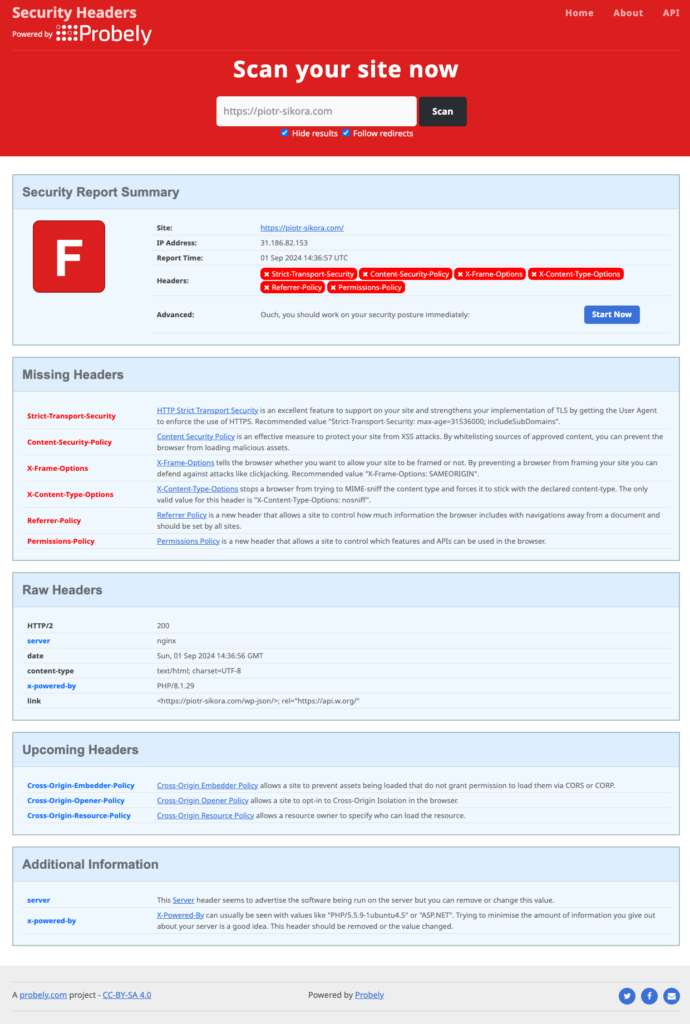
Additionally I wanted to be sure that my headers are available so I've created a short Jupyter Notebook in Python:
import requests

url = "https://piotr-sikora.com"

response = requests.get(url)

# Print all headers
for header in response.headers:
    print(header, ":", response.headers[header])
    # print(header)
After running this code list of my headers:
Server : nginx
Date : Sun, 01 Sep 2024 14:39:16 GMT
Content-Type : text/html; charset=UTF-8
Transfer-Encoding : chunked
Connection : keep-alive
X-Powered-By : PHP/8.1.29
Link : <https://piotr-sikora.com/wp-json/>; rel="https://api.w.org/"
Check if securityheaders.com has proper HTTP Headers
The shoemaker's son always goes barefoot so... let's check if the website itself has all HTTP Headers set as well:
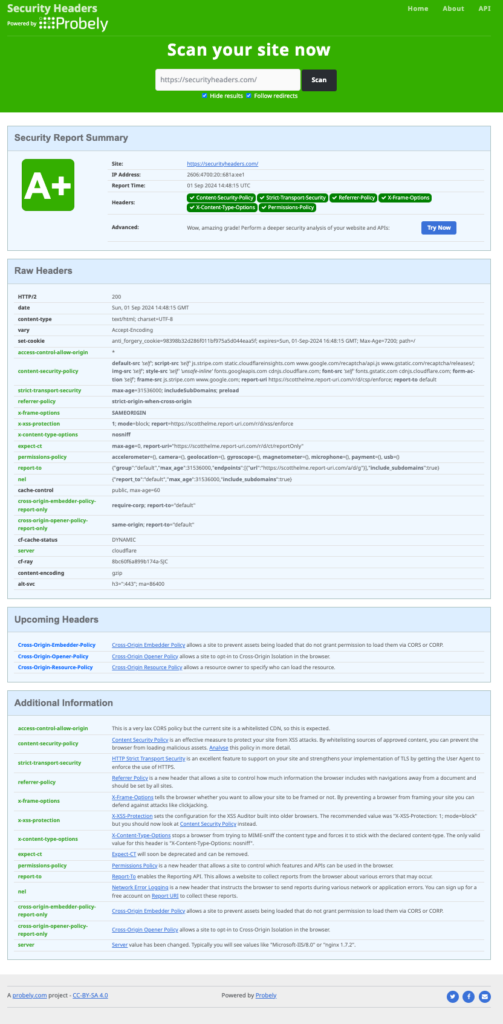
... and let' treat it as a goal for a website.
Installation of HTTP Headers plugin and configuration
First of all I've installed WP Plugin:
https://wordpress.org/plugins/http-headers/
After checking the report, I began changing the appropriate headers step by step. You can see the settings in the plugin:
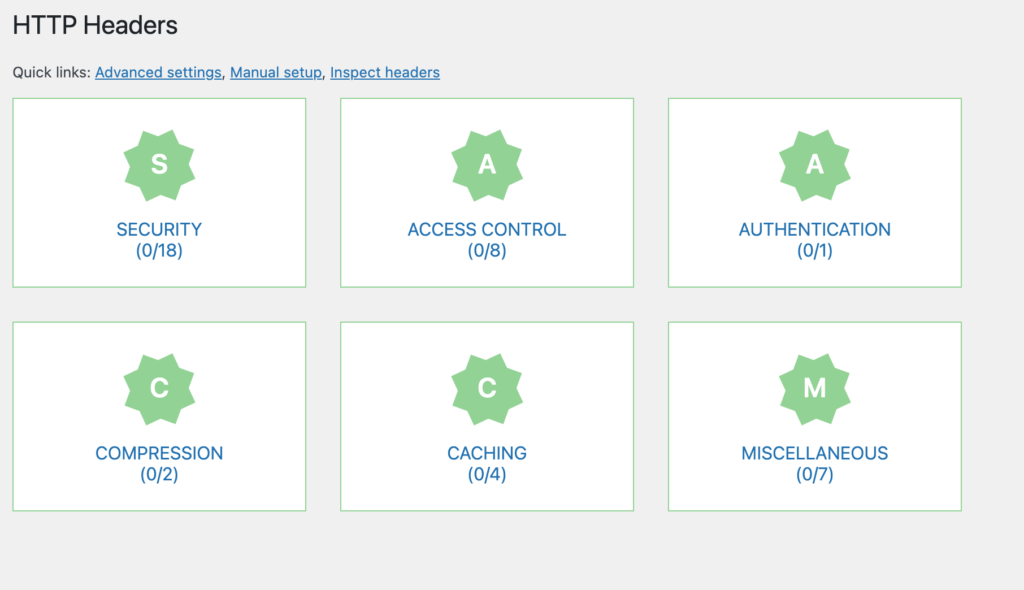
After that I've entered first link - SECURITY:
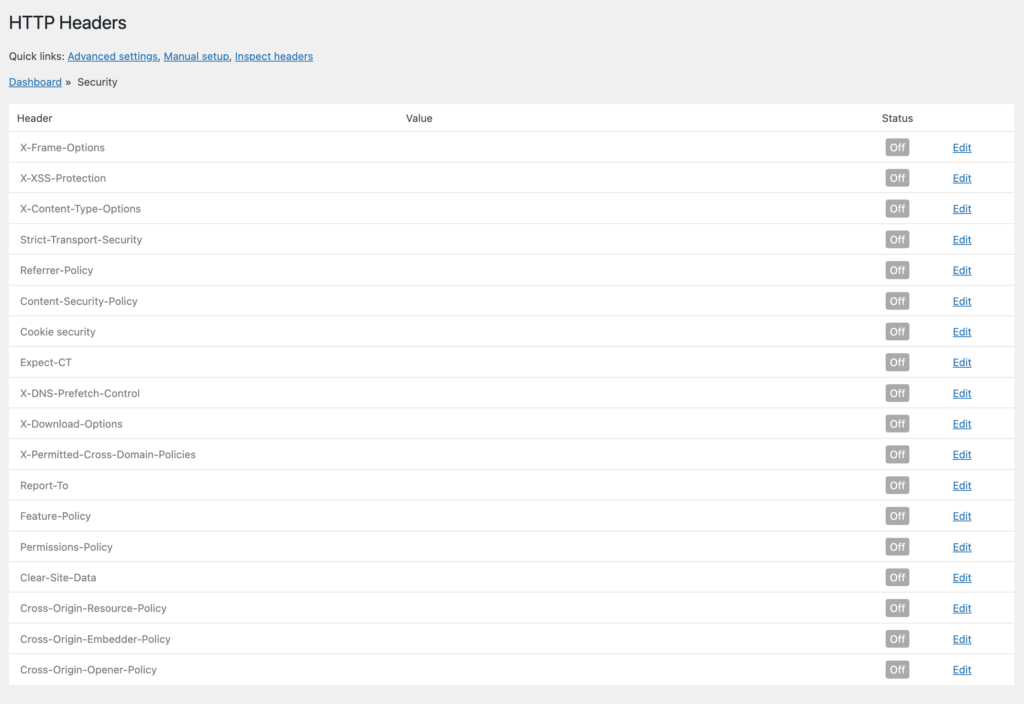
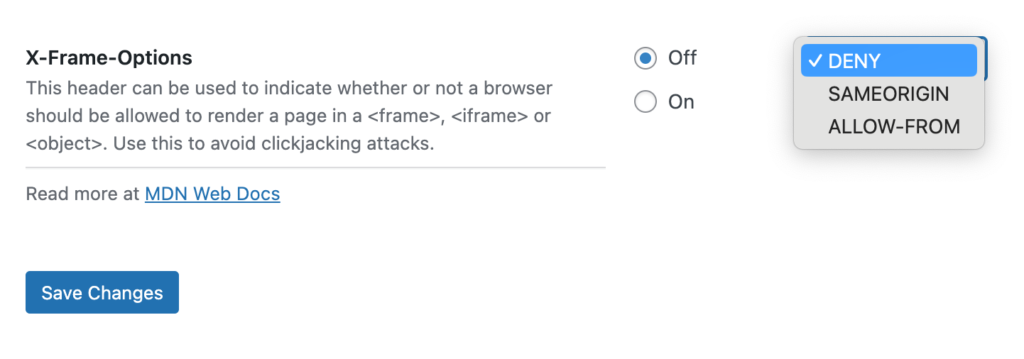
Each listed header has a set of options ready to use. To access them, click 'Edit' at the end of the line. For example, the X-Frame-Options header.:
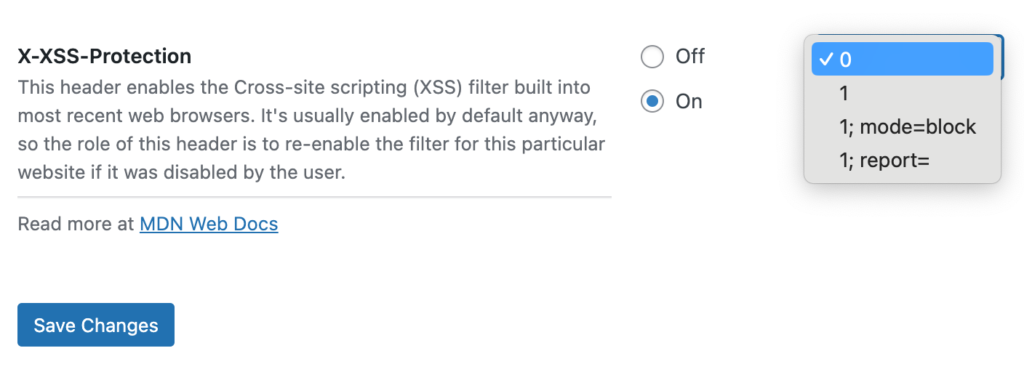
X-XSS-Protection header:
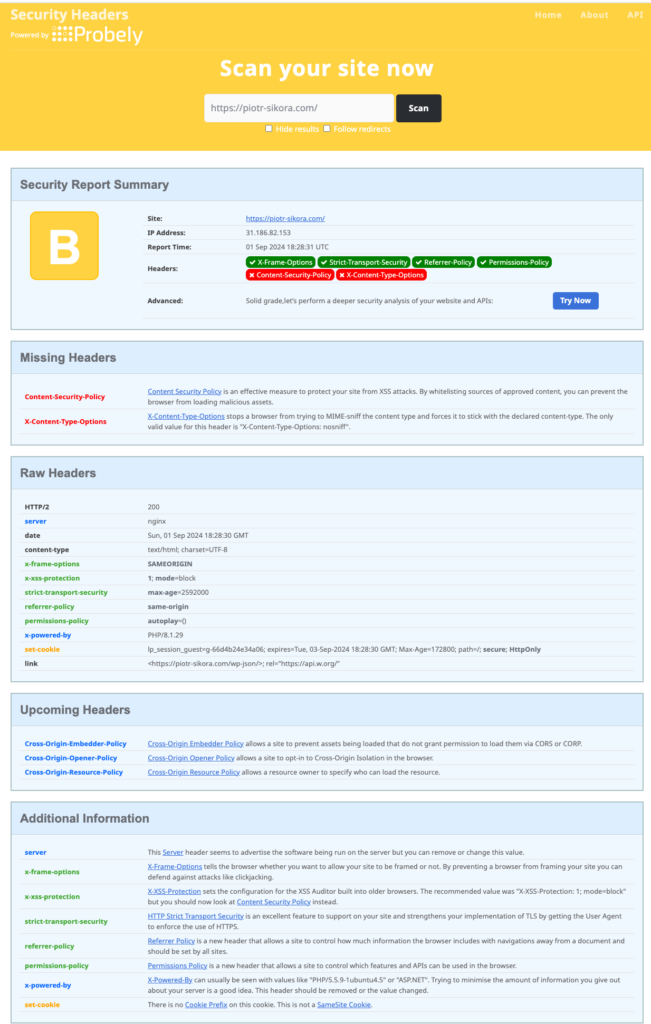
Final result - Score B
After all changes possible with HTTP Headers WordPress plugin report from :
And from Jupyter Notebook script:
Server : nginxDate : Sun, 01 Sep 2024 15:26:25 GMTContent-Type : text/html; charset=UTF-8Transfer-Encoding : chunkedConnection : keep-aliveX-Frame-Options : SAMEORIGINX-XSS-Protection : 1; mode=blockStrict-Transport-Security : max-age=2592000Content-Security-Policy : default-src https:; script-src https:; style-src https:; img-src https:; connect-src https:; font-src https:; media-src https:; report-uri https:; child-src https:; form-action https:; frame-ancestors https:; object-src https:; frame-src https:; worker-src https:; manifest-src https:; navigate-to https:; prefetch-src https:; base-uri https:Referrer-Policy : same-originPermissions-Policy : autoplay=()X-Powered-By : PHP/8.1.29Link : https://piotr-sikora.com/wp-json/; rel="https://api.w.org/"
Summary: Recommended security HTTP Headers check
- X-Content-Type-Options
- X-XSS-Protection
- X-Frame-Options
- Referrer-Policy
- Permissions-Policy
- Strict-Transport-Security











Comments